

FunplayUI 2.0
Minimalist Style and Beautiful
High-Definition 4K GUI
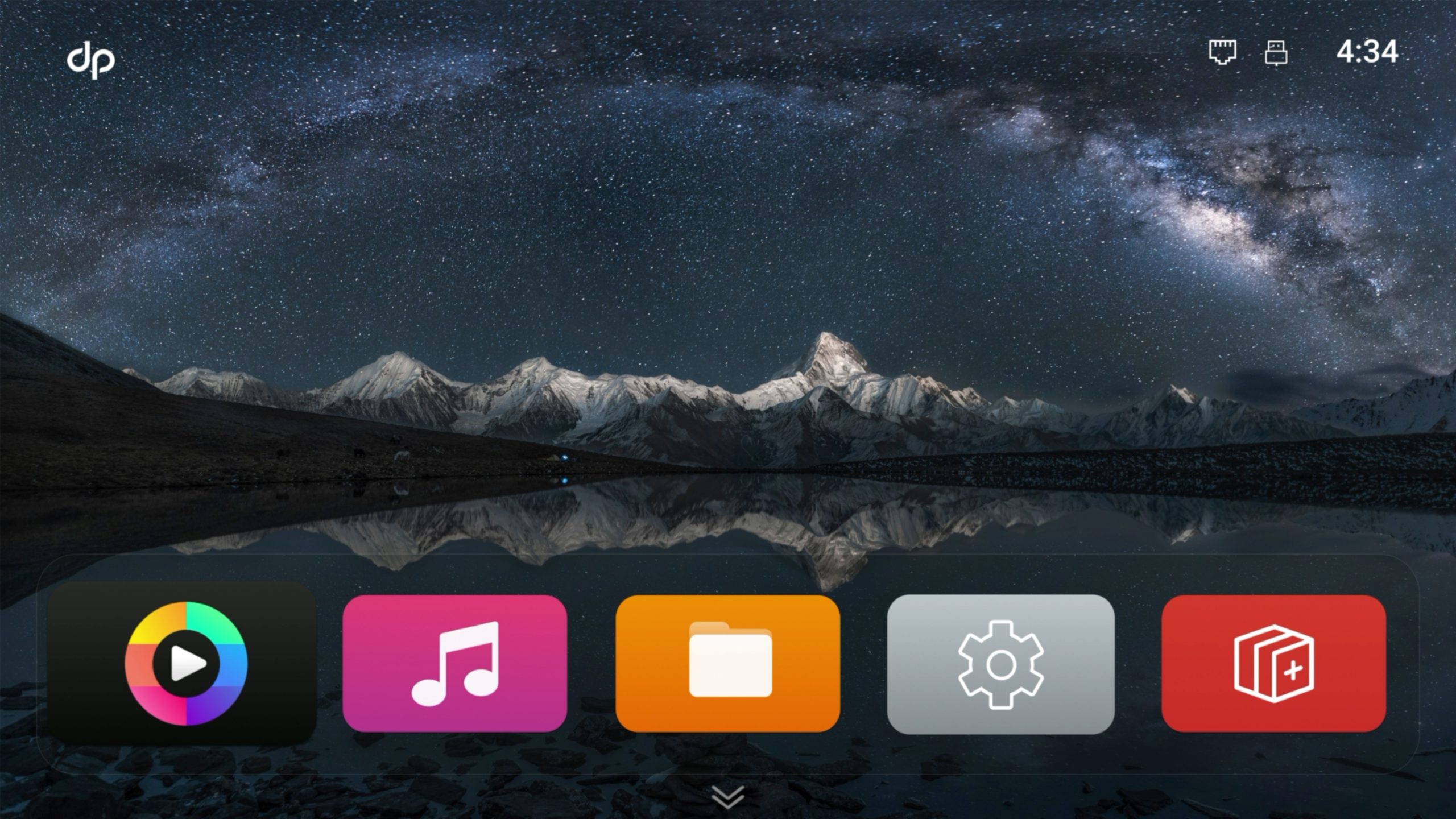
The backbone of any media player is the firmware it runs on, and with the introduction of the latest FunplayUI 2.0, we have introduced significant updates that offer users the functionality and ease-of-use they require. Whether a home user wanting a simple interface to search and play streamed content or a fully-fledged custom installer looking to create a full media system within a custom environment, FunplayUI 2.0 offers everything required for the perfect user experience.
Controlled via either the RC05 remote or from the dp SmartController App, FunplayUI 2.0 offers excellent usability, from initial set up through to file/folder management, and the all-new dp Player gives total access to all video content, whilst in the background grabbing the metadata to deliver the Smart Poster Wall, for the ultimate in simple navigation of movies and video.
The beautiful display is delivered in glitch-free 4K quality, ensuring that not only are you able to easily navigate the whole device, you can view it all in amazing quality.
Adding significantly to the the dorpo experience, FunplayUI 2.0 is the ideal platform for delivering the perfect media library experience.
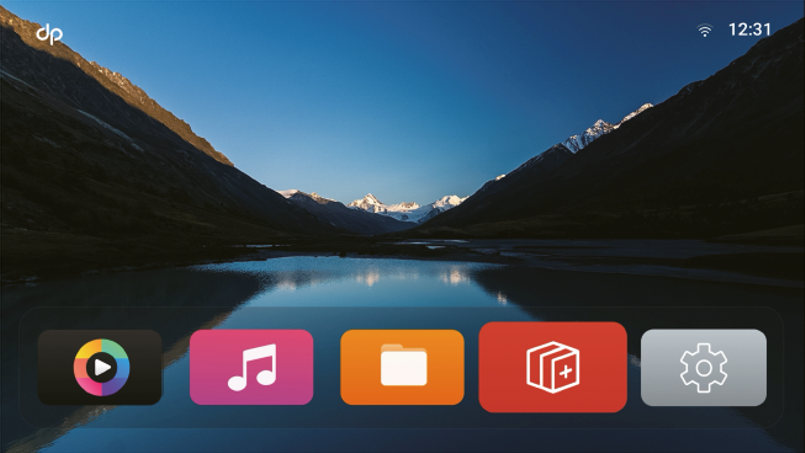
Minimalist Style and beautiful High-definition 4K GUI
With 4K resolution GUI the problem of fuzzy or jagged on ordinary TV box menu
display is completely solved, so that menu text and APP icons can also be presented
with a more delicate and clear display effect.
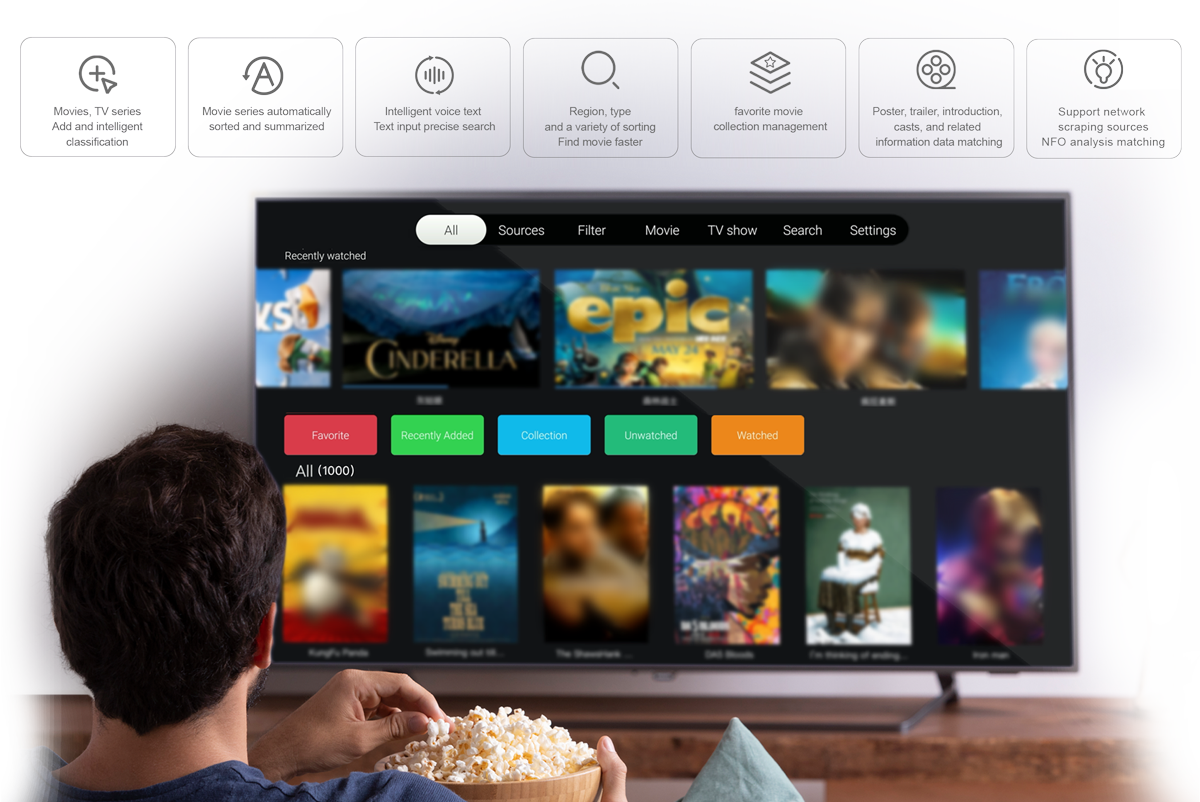
Smart Poster Wall
Orderly Classification – Convenient Film Selection
More convenient playback on cloud drive
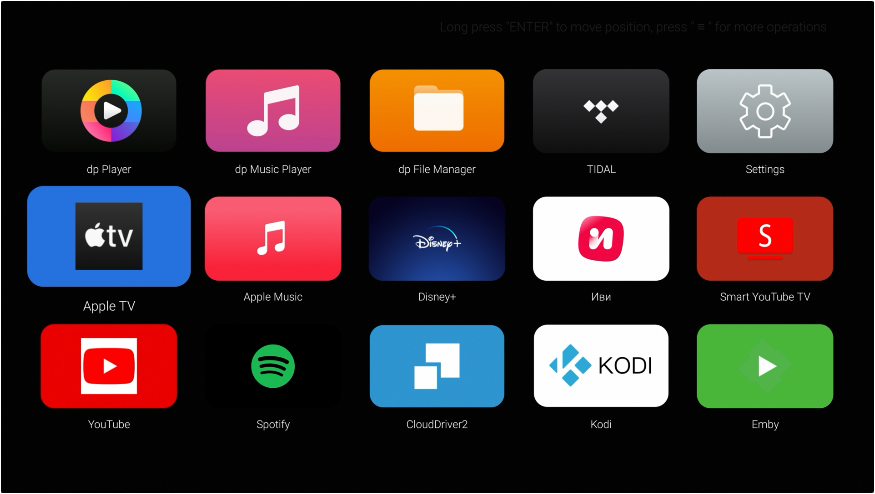
FunplayUI not only has high definitation, smooth, convenient operating interface and professional self-developed audio and video playback applications, but also full compatibility with CloudDrive (CD2) netdisk mount service. Pre-installed within FunplayUI, CD2 plays blu-ray movies in a second. The following cloud drives are supported by CD2:
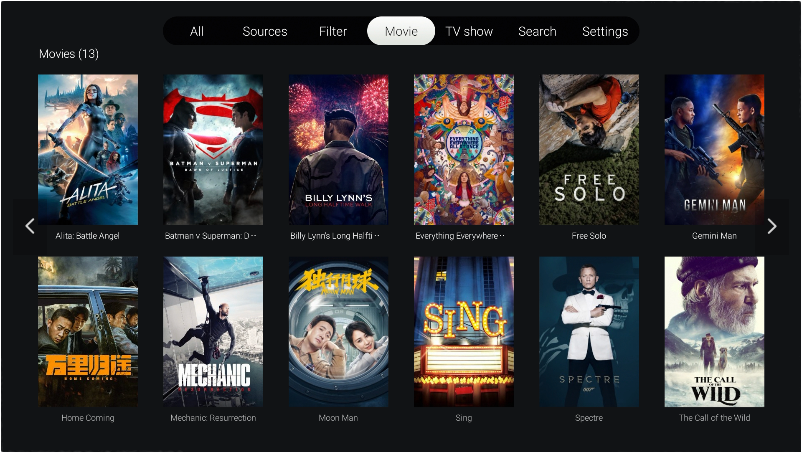
Use the brand-new dp player to manage all your movies and play everything
Rapidly scanning all videos on your multiple local storage device, and automatically download metadate and artwork for movies and TV shows to generate your video library with poster, introduction, rating, trailer, cast and other information. Also, movie collections and TV series can be smartly organised into different categories for a personalised browsing experience, providing a more intelligent and convenient movie library sorting and playback experience.
UHD Blu-ray Navigation
The Authentic Cinematic Experience
FunplayUI 2.0 not only supports direct playback of Blu-ray disc main feature files, but also offers Blu-ray menu navigation, delivering a personalised content selection experience and authentic Blu-ray disc playback, allowing you to enjoy extra content beyond the main movie.
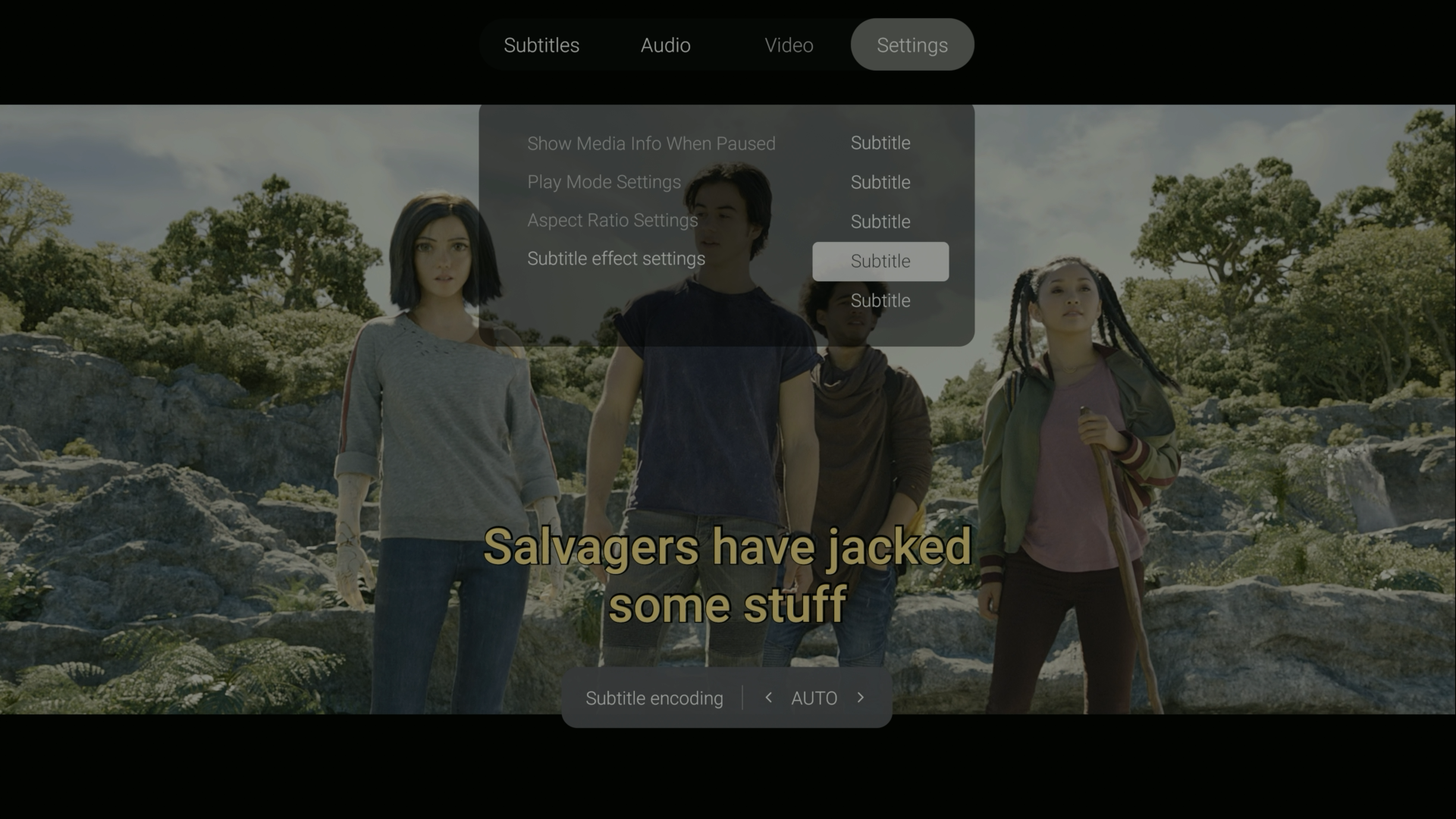
Movie subtitle download and personalised adjustment
When playing downloaded movies, you can match and download the subtitles through Internet. Various types of subtitle formats such as PGS, ASS, SSA, SRT are supported. And the subtitle can be adjusted for size, position, color and other display effects, greatly improving the movie experience.
dp Music Player
Enjoy the highest quality audio experience
Support DSD, DFF/DSF, FLAC, WAV, APE, DTS etc.
lossless music format playback and decoding
Playback sampling rate supports up to DSD 512/PCM 768Khz
Support raw sampling lossless audio output
*USB Audio exclusive output up to PCM 768Khz
*HDMI/SPDIF exclusive output up to PCM 192Khz
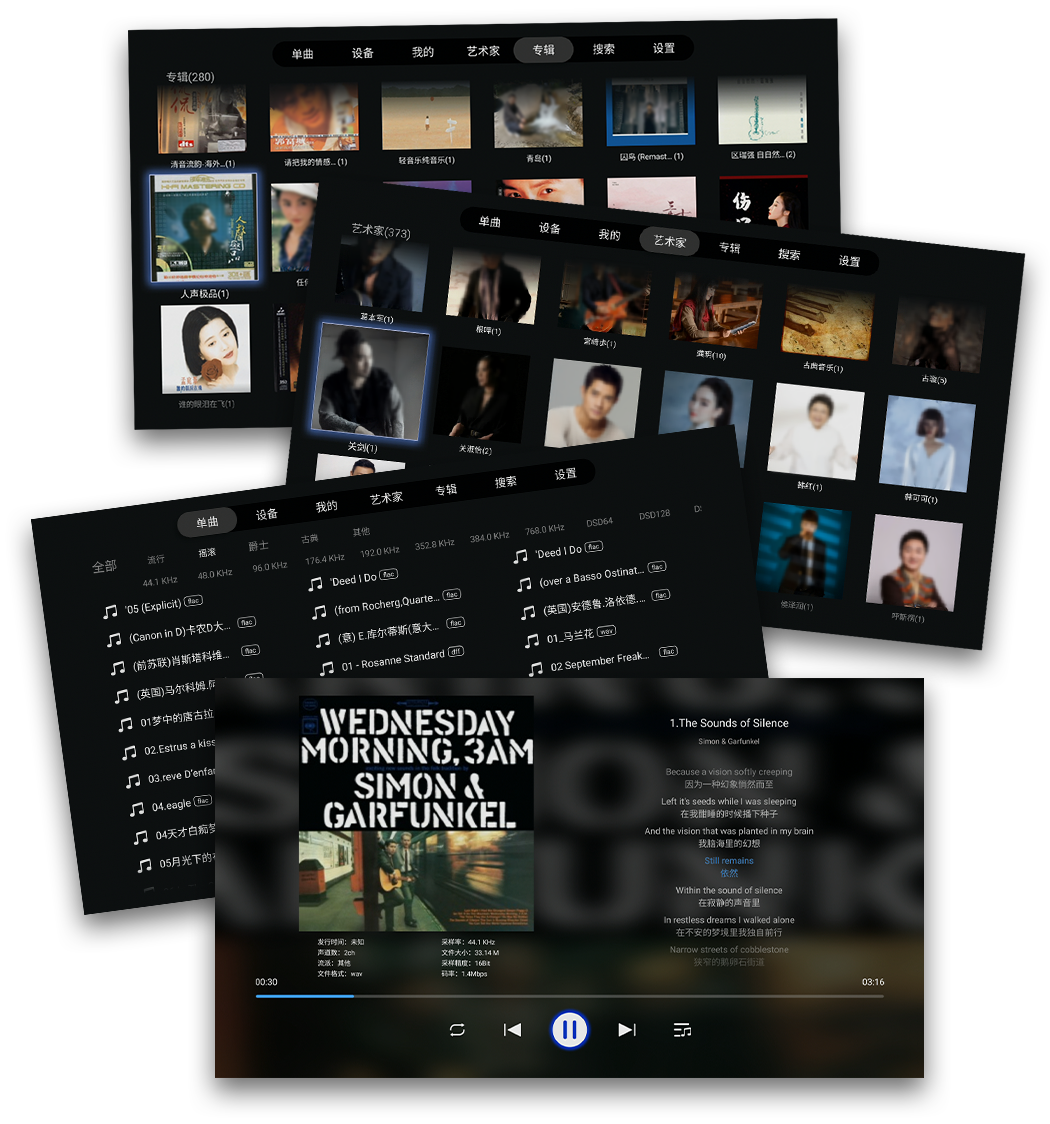
Provides online data matching function, to accurately help you find dynamic lyrics, albums, artist introduction and other information.
Automatic classification for local collection of stored music by album, genre, artist and sampling format.
Supports favourite song list creation, accurate song search and other personalised functions.
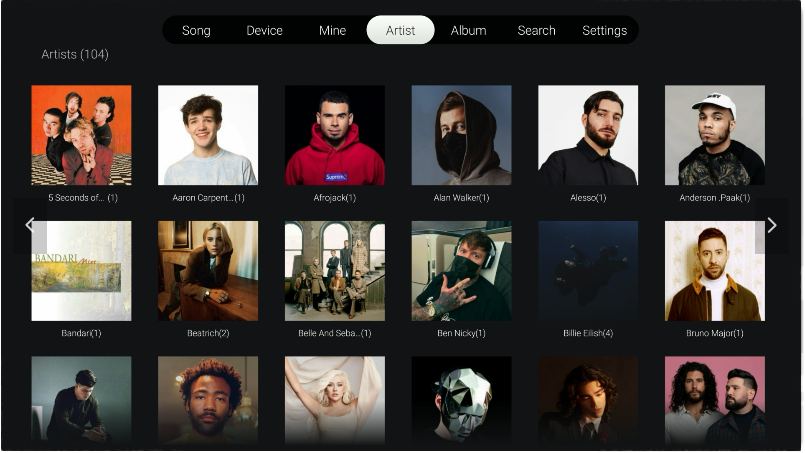
Professional digital music metadata matching ability
The dp music player can intelligently and accurately match dynamic lyrics, albums, artist descriptions and other information for songs in local storage, and can also automatically classify them by album, genre, artist and other types, brings the music experience to the high level. It also supports playlist creation, accurate search and other humanized functions, in order to meet the needs of music enthusiasts in every possible way.
dp File Manager
Easily Manage Files & Folders
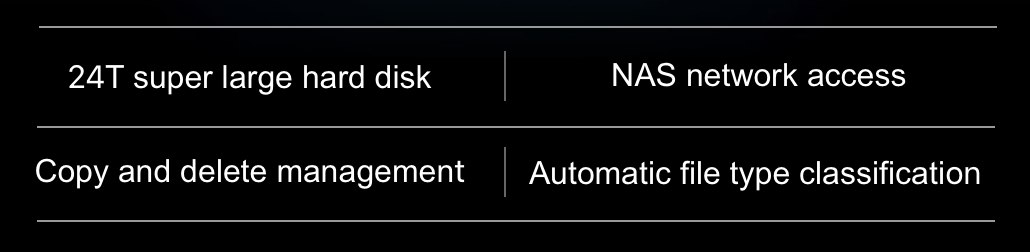
24Tb large capacity HDD and NAS network access.
File management and operations (copy, paste, delete, collection etc.)
Automatic classification of images, music, video and applications.
Play tag, custom sorting, and media file playback by 3rd party player.
The perfect file management system for any application.

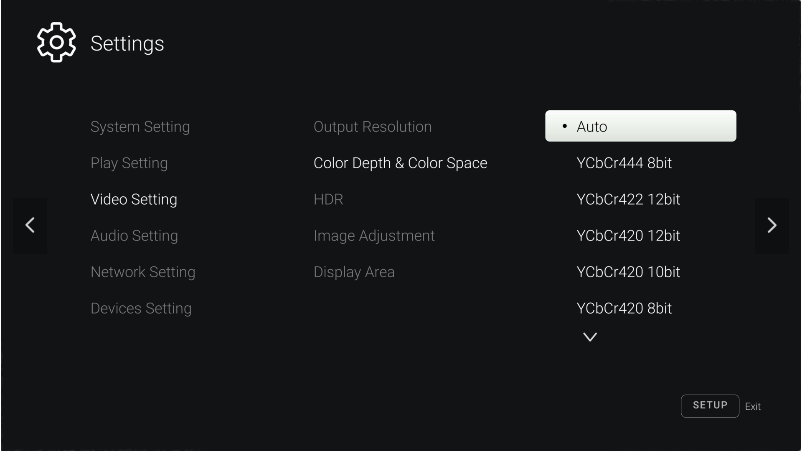
Easier Operations with Simplified Settings
The settings menu is designed fully considering the needs and habits of users to make it convenient, intuitive, and easy to operate.
Seamless Control, Ultimate Entertainment
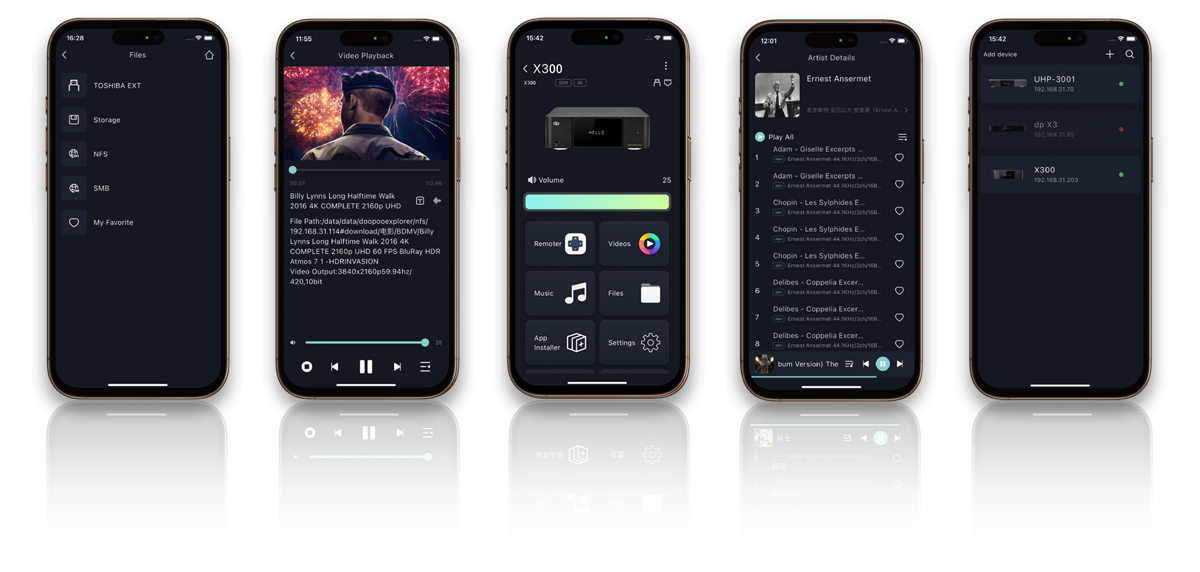
dp Smartcontroller App
for iOS and Android smartphone & tablets
Videos, Music, Apps, and Devices — All at Your Fingertips
dp Smart Controller app allows you to easily manage all dorpo devices
on your local network, offering more convenient remote control,
smooth browsing and streaming of local files,
and an unparalleled audio and video playback experience.
FunplayUI 2.0 Essentials
Complete 4K GUI
Completely solve the problem of menu display blur or jagged in ordinary TVbox, so that menu text and icons can also present a more delicate and clear display effect, bring you extraordinary visual enjoyment.
Android-based
Custom development based on the updated Android 11 system, excellent performance and stability for a wider range of applications.
Multiple Controls
Whether you’re a home video enthusiast or a custom installer, there is an array of options create the perfect and unlimited control experience.
Bluetooth infrared dual-mode remote control, mobile APP control, HDMI CEC, RS232, IP control mode, intelligent AI voice
Network Sharing
FunplayUI 2.0 devices can not only play the content from a NAS drive via SMB and NFS network protocol, but they can also become an SMB server themselves. Other devices on the LAN can quickly access the storage shared by any dorpo device, achieving more convenient storage sharing and more free content management
Screen Casting
Support a variety of common screen projection protocols such as DLNA, whether you are using Android or iOS system, high-quality video, music, live streaming and other content from a variety of applications. Content can be easily casted to a large screen with one click, so that you can share a stable and high-quality audio-visual experience with your family and friends.
Want to know more?
